
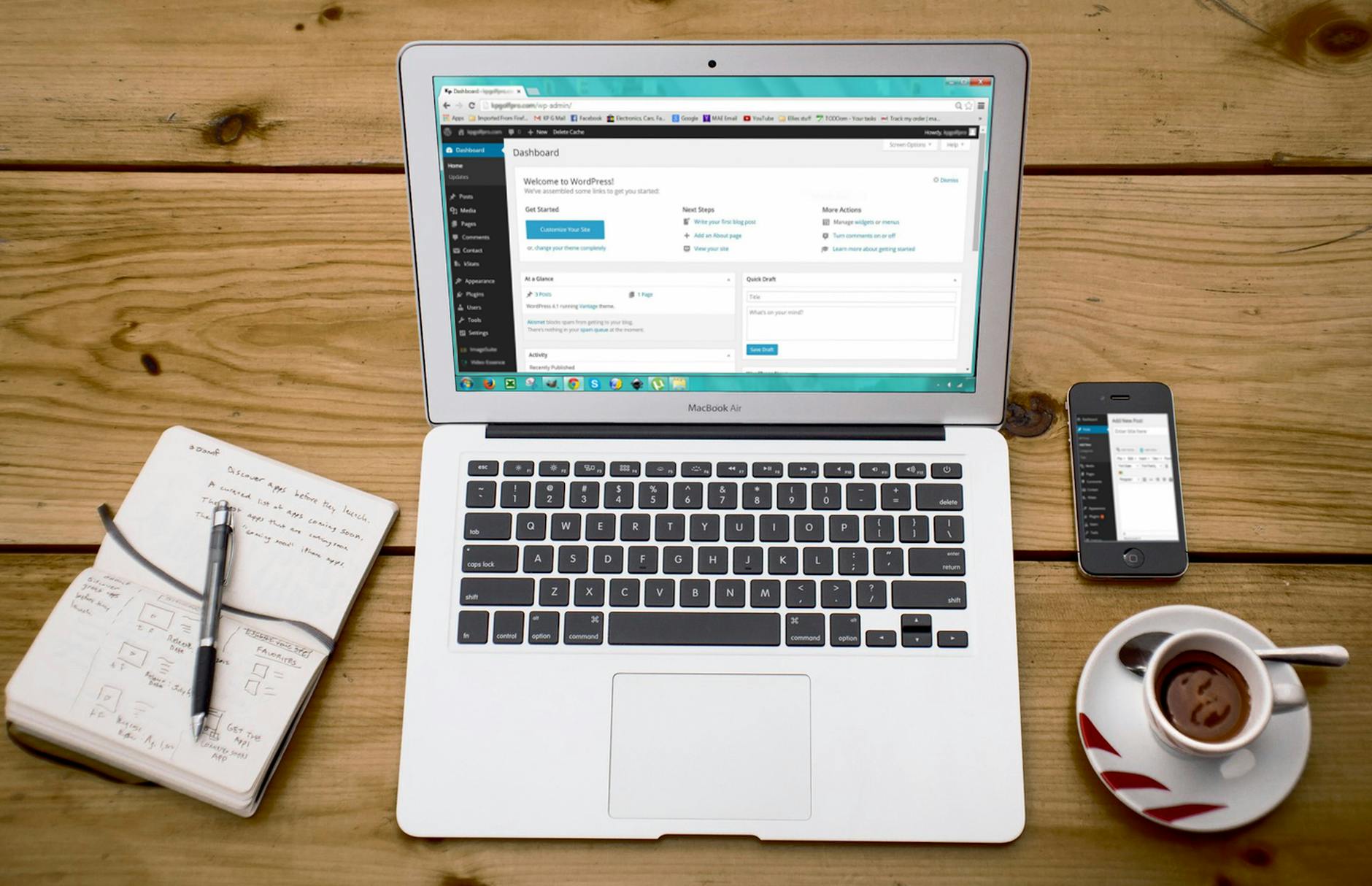
Lately, several organizations I work with have been talking about creating independent websites for their project, school, church, or small business.
Because I have worked with it for over 20 years, I recommend WordPress as one of the most reliable platforms to build a website. In fact, it’s so simple, I think you can set up the basics in about an hour! Before you get started, collect some “about us” documents, along with information on your colors, logo files, and photos to share. Then you can cut-and-paste your way into internet glory!
[However, if selling is your primary goal, then I use and recommend Shopify.]
Before we get started, please note that these links are referrals, meaning that if you decide to purchase, then I receive a commission. If you find it helpful, thanks for helping me keep my website alive as well!
WEBSITE LEVEL 1: FREE!
Get your free website at WordPress.com: Create a free account, then after searching for a domain, “Skip” ahead without purchasing.
This free video course can help you create your website within an hour!
WEBSITE LEVEL 1.5: DOMAIN NAME
For as little as $12 per year, you can own a custom domain name for your website. Only choose this option if you ONLY want a domain name.
The price depends on the domain name you choose. I suggest something short and easy to spell. My website domain is mustseed.org. I use this domain for blog.mustseed.org (where you are reading this) and also my email, learn@mustseed.org.
What is a “web domain”? Your domain name is a BIG SIGN telling people where to find your website. Trust me, you want control over your website domain! It is your territory on the internet, and others can break in or steal it. Claim your territory by purchasing a domain name!
How does a domain name work? Your website lives on a type of computer called a server. This server is a physical thing in a building, which companies call hosting (not a “cloud”). Your domain name, or web address, is like the address to your physical school or church, business, etc. This web address tells visiting computers where to go to get the information that you want to share online.
The domain name is the address of your website, which can be like a P.O. Box, and the server is like the location where the “mail” is forwarded.
VOCAB ALERT: Your domain name server is shortened to DNS.
This becomes important if anything ever changes. Let’s say two churches merge into one larger parish. Now you own two domain names, but want them both to point to one NEW website. You can “redirect” the current domain names to the new website, so happychurch.org and sappychurch.org can redirect to newparish.org.
You will need to change the DNS settings if you want to change the company hosting your website. If you don’t know anything else technical about how a website works, understanding that DNS = Domain Name Server is the most critical. It points to the computer hosting your website, making it available on the internet.
WEBSITE LEVEL 2: BASIC PRESSABLE HOSTING
Now that you understand what DNS means, let’s think about what company you want to host your website. Pressable was created to host websites created using WordPress. If you want to make sure your website is always available and unlikely to get hacked, go with a Pressable Signature 1 plan (currently $25/month or $250/year). A free domain name is included for the first year of any Pressable Signature or WordPress Premium plan.
And use 2-factor authentication. Yes, it is annoying to always have to check for a code on your phone to log in. But trust me, it is way more annoying to have a random hacker turn your webpage into a blinking advertising site in some foreign language.
WEBSITE LEVEL 3: ADD JETPACK SECURITY
If your website is just a series of static pages to share information, then Pressable’s Signature Plan is a great way to go. However, if you want visitors to fill out forms, make a donation, or download files, then you need extra security. That’s where Jetpack comes in.
If you already have Pressable’s Signature Plan, then adding Jetpack will almost double your annual cost. However, they offer a generous discount on your first year, and the peace of mind is worth it! Adding Jetpack to your WordPress website only takes a few extra clicks.
If you had some content ready to copy-and-paste into your site, then our hour is up and you should be done by now…
But wait… there’s more!
WEBSITE LEVEL 4 (MORE THAN AN HOUR): SET UP SHOP
Do you want to sell copies of that fundraiser recipe book? How about some spirit wear? If you only have a few products to sell, WooCommerce works very well with WordPress and is a very affordable option for nonprofits and small businesses.
However, if you anticipate shipping products, offering multiple versions of the same product, charging sales tax, or any complicated online sales, then I recommend skipping WordPress altogether and trying a free trial of SHOPIFY.
Did you end up using this information to build your website? Please comment below and let me know how it went!

Leave a Reply